
INSIGHTS
PCAP vs Infrared (IR) Touch Frame: Which Touch Technology Should You Choose?
DISPLAX Team | November 20, 2026 | 6min
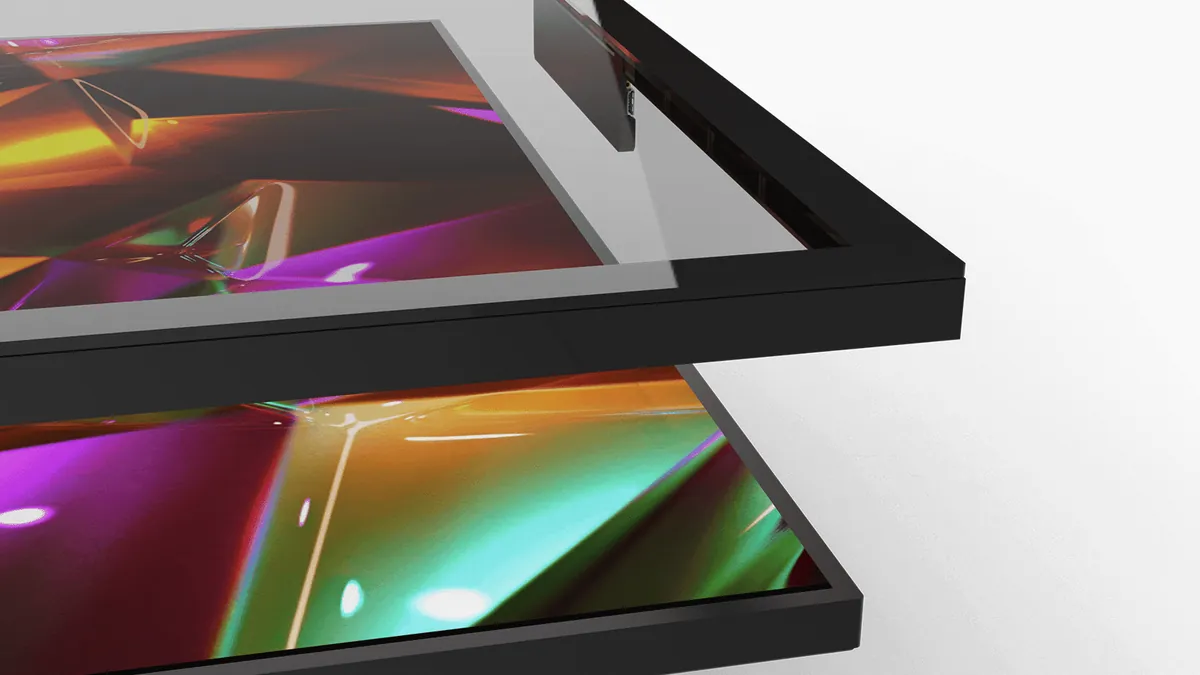
If you are turning a display into a touchscreen, you will usually end up comparing two technologies: projected capacitive (PCAP) and infrared (IR) touch frames. Both support multi-touch and both work on large screens, but they work in very different ways. This guide explains the differences, so you can choose the right one for your project.
If you are turning a display into a touchscreen, you will usually end up comparing two technologies: projected capacitive (PCAP) and infrared (IR) touch frames. Both support multi-touch and both work on large screens, but they work in very different ways. This guide explains the differences, so you can choose the right one for your project.
The short answer
The short answer
Choose an IR touch frame for a low-cost, indoor screen in a clean, controlled space, where a raised frame around the screen is not a problem.Choose PCAP for kiosks, public spaces, outdoor use, thick or protective glass, a flat and sealed surface, or precise multi-touch for several users.
How an infrared (IR) touch frame works
How an infrared (IR) touch frame works
An IR touch frame is mounted around the edges of the screen. LEDs on two sides send invisible infrared light beams across the surface, and sensors on the opposite sides receive them. When a finger or object breaks the beams, the frame calculates where the touch happened.Because the frame needs to "see" across the screen, it sits slightly above the glass. The touch is detected just above the surface, not on it.
How PCAP touch works
How PCAP touch works
A PCAP sensor is a grid of very thin electrodes placed behind the glass. It creates an electric field that projects through the glass. When a finger touches the surface, it changes the field, and the controller calculates the exact position.Because the sensor sits behind the glass, the surface stays flat and sealed, with no frame or moving parts. Read more in Understanding PCAP Technology.
How PCAP touch works
How PCAP touch works
| PCAP | Infrared (IR) touch frame | |
| How it detects touch | A finger changes an electric field, through the glass | A finger breaks infrared light beams above the screen |
| Surface | Flat, sealed glass, no frame | Raised frame around the screen |
| False touches | Only a touch on the surface counts | Dirt, insects or objects near the frame can break the beams |
| Direct sunlight | Not affected by light | Strong sunlight can interfere with the infrared beams |
| Thick or protective glass | Yes: DISPLAX touch foils work through glass up to 20 mm | Glass thickness does not limit it, but the frame stays on top |
| Outdoor use | Yes, with the right sensor and glass | Limited |
| Cleaning | Wipe the flat glass | Dust and dirt collect along the frame edges |
| Upfront cost | Higher | Usually lower |
When an IR touch frame makes sense
When an IR touch frame makes sense
IR touch frames are a reasonable choice when:- the budget is the main factor;
- the screen is indoors, away from direct sunlight;
- the space is clean and supervised, such as a meeting room;
- a raised frame around the screen is acceptable.
- the budget is the main factor;
- the screen is indoors, away from direct sunlight;
- the space is clean and supervised, such as a meeting room;
- a raised frame around the screen is acceptable.
When PCAP is the better choice
When PCAP is the better choice
PCAP is the better choice when:- the screen is public or unattended, such as a kiosk, a ticket machine or an EV charger, and needs a sealed, easy-to-clean surface;
- it is outdoors or in a harsh environment, with rain, dust, sun or gloves. See Outdoor Touchscreen Kiosks;
- it needs thick, protective or vandal-resistant glass in front of the display;
- several people touch it at once, such as touch tables and interactive video walls;
- the design matters: a flat glass surface with no frame, or round and custom shapes.
- the screen is public or unattended, such as a kiosk, a ticket machine or an EV charger, and needs a sealed, easy-to-clean surface;
- it is outdoors or in a harsh environment, with rain, dust, sun or gloves. See Outdoor Touchscreen Kiosks;
- it needs thick, protective or vandal-resistant glass in front of the display;
- several people touch it at once, such as touch tables and interactive video walls;
- the design matters: a flat glass surface with no frame, or round and custom shapes.
DISPLAX PCAP solutions
DISPLAX PCAP solutions
DISPLAX has designed and manufactured PCAP touch technology in Portugal since 2011, across three ranges:Touch foils (built in behind glass):- SKIN ZEETO: 7" to 75", up to 10 touches, glass up to 20 mm, for harsh and demanding environments
- SKIN FIT: 32" to 135", up to 40 touches, glass up to 15 mm, for kiosks, signage and outdoor use
- SKIN ULTRA: 30" to 135", up to 100 touches, glass up to 10 mm, for premium large-format and multi-user experiences
Touch modules (added to a display):Touch displays (ready to install):Not sure which one fits? Read Touch Foil, Touch Overlay or Touch Display: Which PCAP Solution Do You Need?
- SKIN ZEETO: 7" to 75", up to 10 touches, glass up to 20 mm, for harsh and demanding environments
- SKIN FIT: 32" to 135", up to 40 touches, glass up to 15 mm, for kiosks, signage and outdoor use
- SKIN ULTRA: 30" to 135", up to 100 touches, glass up to 10 mm, for premium large-format and multi-user experiences
Comparing touch technologies for a project?
Comparing touch technologies for a project?
Get in touch with the DISPLAX team with your screen size, glass and where it will be used.
Get in touch with the DISPLAX team with your screen size, glass and where it will be used.
FAQs
FAQs
NEWS & INSIGHTS
Keep reading
INSIGHTS
INSIGHTS
Touch Screen Overlay for LCD: How to Choose the Right One
DISPLAX Team
November 19, 2026 | 6 min
INSIGHTS
Metal Mesh Touch Panels: How They Work and When to Use Them
Metal Mesh Touch Panels: How They Work and When to Use Them
DISPLAX Team
November 26, 2026 | 5 min
INSIGHTS
INSIGHTS
Glove-Compatible PCAP Touchscreens: How to Choose the Right One
Glove-Compatible PCAP Touchscreens: How to Choose the Right One
DISPLAX Team
November 13, 2026 | 5 min
NEWS & INSIGHTS
Keep reading
INSIGHTS
INSIGHTS
Touch Screen Overlay for LCD: How to Choose the Right One
Touch Screen Overlay for LCD: How to Choose the Right One
DISPLAX Team
November 19, 2026 | 6 min
INSIGHTS
Metal Mesh Touch Panels: How They Work and When to Use Them
Metal Mesh Touch Panels: How They Work and When to Use Them
DISPLAX Team
November 26, 2026 | 5 min
NEWS
Glove-Compatible PCAP Touchscreens: How to Choose the Right One
Glove-Compatible PCAP Touchscreens: How to Choose the Right One
DISPLAX Team
November 13, 2026 | 5 min

Get in Touch
Questions about pricing? Got an active project you’d like to discuss? Let’s connect.
Get in Touch
Questions about pricing? Got an active project you’d like to discuss? Let’s connect.