
INSIGHTS
Glove-Compatible PCAP Touchscreens: How to Choose the Right One
DISPLAX Team | November 13, 2026 | 5min
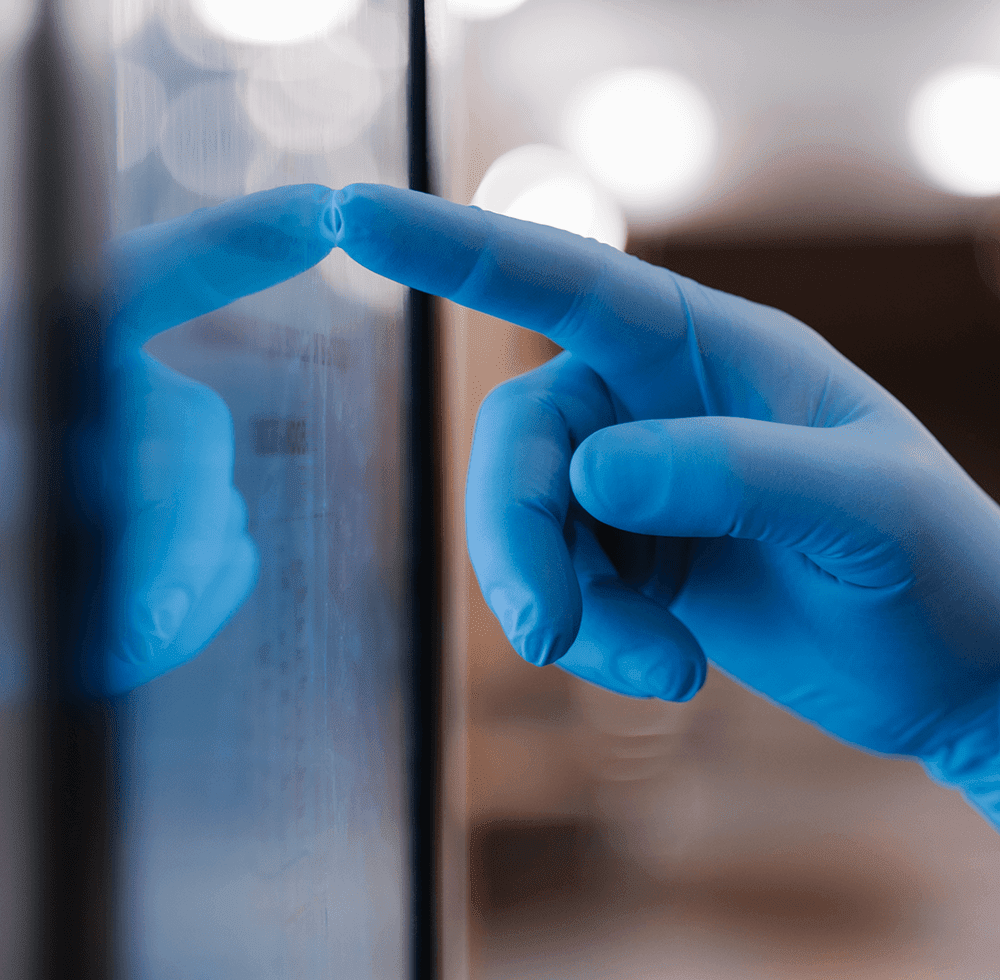
Nurses in nitrile gloves, lab technicians in cleanrooms, factory operators in work gloves, EV drivers in winter gloves: many touchscreens are used by people who cannot, or should not, take their gloves off. Projected capacitive (PCAP) touch can work with gloves, but not every PCAP touchscreen does it well. This guide explains how glove touch works and what to check before you choose a sensor for your device.
Nurses in nitrile gloves, lab technicians in cleanrooms, factory operators in work gloves, EV drivers in winter gloves: many touchscreens are used by people who cannot, or should not, take their gloves off. Projected capacitive (PCAP) touch can work with gloves, but not every PCAP touchscreen does it well. This guide explains how glove touch works and what to check before you choose a sensor for your device.
Can PCAP touchscreens work with gloves?
Can PCAP touchscreens work with gloves?
Yes. PCAP touch detects the small change in capacitance caused by a finger near the sensor. A glove adds a layer between the finger and the glass, so the signal is weaker. A glove-compatible PCAP touchscreen uses a more sensitive controller and firmware tuned to detect that weaker signal, while still ignoring false touches from water, dirt and electrical noise.That balance is the real challenge: making the sensor sensitive enough for gloves without making it react to everything else.
That balance is the real challenge: making the sensor sensitive enough for gloves without making it react to everything else.
Glove-compatible vs. standard PCAP: what changes
Glove-compatible vs. standard PCAP: what changes
- Controller sensitivity: the controller must pick up a finger through the glove and the cover glass together.
- Firmware tuning: the touch thresholds are set for the gloves your users actually wear.
- Noise filtering: higher sensitivity also picks up more electrical noise, so strong filtering is essential.
- False-touch rejection: water drops, cleaning cloths and palms resting on the glass must not trigger commands.
- Controller sensitivity: the controller must pick up a finger through the glove and the cover glass together.
- Firmware tuning: the touch thresholds are set for the gloves your users actually wear.
- Noise filtering: higher sensitivity also picks up more electrical noise, so strong filtering is essential.
- False-touch rejection: water drops, cleaning cloths and palms resting on the glass must not trigger commands.
6 things to check before you choose
6 things to check before you choose
1. The gloves your users really wearThin latex and nitrile gloves (medical, lab) are the easiest. Thick work gloves, winter gloves and heavy protective gloves are harder. Always test the touchscreen with the real gloves used on site, not just a demo glove.
2. Cover glass thicknessGlove + glass together set the distance between finger and sensor. Thicker glass is tougher and safer, but it makes glove touch harder. If your device needs thick, laminated or curved glass, choose a sensor rated for it. For example, DISPLAX SKIN ZEETO works through glass up to 20 mm thick, including laminated, curved and double-glass setups.
3. Water, cleaning and the environmentMedical devices are wiped with disinfectant many times a day. Outdoor kiosks and EV chargers get rain, dust and ice. Industrial panels face oil and dirt. Check that the touchscreen keeps working when wet, and that it does not react to drops or cleaning. Also check the operating temperature: SKIN ZEETO runs from -20°C to 70°C.
4. Electrical noiseMotors, power supplies, radios and medical equipment create electrical noise that can confuse a sensitive touch controller. Ask how the touchscreen filters noise. DISPLAX controllers use XTR-Shield Plus filtering to keep touch stable in noisy environments.
5. Size, number of touches and precisionSmall HMIs and medical devices usually need 1–2 precise touches. Large control-room or collaboration screens need many. Ask for touch accuracy with your glass: SKIN ZEETO reaches under 1 mm accuracy on a 15" screen with 4 mm glass.
6. Integration with your systemStandard USB HID touch works without drivers on Windows, Linux, Android, macOS and ChromeOS. Embedded devices may need SPI, I²C or serial (RS232/TTL) interfaces instead. Check what your platform needs before you choose.
Which DISPLAX touch solution for gloved use?
Which DISPLAX touch solution for gloved use?
- SKIN ZEETO (7" to 75"): built for harsh environments. It works with heavy industrial and medical gloves, through glass up to 20 mm, from -20°C to 70°C, with 10 touches and a 7 ms response. For medical devices, industrial HMIs, kiosks, EV chargers and military and defense equipment.
- SKIN FIT (32" to 135"): large-format touch through glass up to 15 mm, with 40 touches, palm detection and strong resistance to liquids, dust, ice and UV. For outdoor kiosks, signage and large control panels.
- MESH (22" to 86"): high-transparency Metal Mesh touch with plug-and-play USB. With optimised glove firmware and Extra Clear SKIN GLASS, it has been used for medical and industrial interfaces operated with gloves.
- TILE and TILE Pro (55" touch displays): work with fingers and gloved fingers for touch video walls and control rooms.
- SKIN ZEETO (7" to 75"): built for harsh environments. It works with heavy industrial and medical gloves, through glass up to 20 mm, from -20°C to 70°C, with 10 touches and a 7 ms response. For medical devices, industrial HMIs, kiosks, EV chargers and military and defense equipment.
- SKIN FIT (32" to 135"): large-format touch through glass up to 15 mm, with 40 touches, palm detection and strong resistance to liquids, dust, ice and UV. For outdoor kiosks, signage and large control panels.
- MESH (22" to 86"): high-transparency Metal Mesh touch with plug-and-play USB. With optimised glove firmware and Extra Clear SKIN GLASS, it has been used for medical and industrial interfaces operated with gloves.
- TILE and TILE Pro (55" touch displays): work with fingers and gloved fingers for touch video walls and control rooms.
Where glove touch matters most
Where glove touch matters most
- Medical & healthcare: diagnostic equipment, monitors and lab instruments used with latex, nitrile or surgical gloves, on glass surfaces that are disinfected many times a day.
- Laboratories and cleanrooms: PPE is mandatory, and taking gloves off is not an option.
- Outdoor and EV charging: winter gloves, rain and ice.
- Industrial: machine HMIs and control panels used with work gloves, in dirt and electrical noise.
- Medical & healthcare: diagnostic equipment, monitors and lab instruments used with latex, nitrile or surgical gloves, on glass surfaces that are disinfected many times a day.
- Laboratories and cleanrooms: PPE is mandatory, and taking gloves off is not an option.
- Outdoor and EV charging: winter gloves, rain and ice.
- Industrial: machine HMIs and control panels used with work gloves, in dirt and electrical noise.
Looking for a touchscreen that works with gloves?
Looking for a touchscreen that works with gloves?
Looking for a touchscreen that works with gloves?Get in touch with the DISPLAX team with your display size, glass and glove type.
Get in touch with the DISPLAX team with your display size, glass and glove type.
FAQs
FAQs
NEWS & INSIGHTS
Keep reading

INSIGHTS
INSIGHTS
Projected Capacitive Touch Trends 2025–2035: Growth, Innovation & Market Drivers
DISPLAX Team
July 31, 2025 | 6 min

INSIGHTS
Compare SKIN ZEETO with Zytronic ZXY100 & ZXY500
Compare SKIN ZEETO with Zytronic ZXY100 & ZXY500
DISPLAX Team
July 22, 2025 | 5 min

INSIGHTS
INSIGHTS
How to Choose the Right PCAP Touchscreen Manufacturer in 2025
How to Choose the Right PCAP Touchscreen Manufacturer in 2025
DISPLAX Team
June 24, 2025 | 5 min
NEWS & INSIGHTS
Keep reading
INSIGHTS
INSIGHTS
Projected Capacitive Touch Trends 2025–2035: Growth, Innovation & Market Drivers
Projected Capacitive Touch Trends 2025–2035: Growth, Innovation & Market Drivers
DISPLAX Team
July 31, 2025 | 6 min
INSIGHTS
Compare SKIN ZEETO with Zytronic ZXY100 & ZXY500
Compare SKIN ZEETO with Zytronic ZXY100 & ZXY500
DISPLAX Team
July 22, 2025 | 5 min
NEWS
How to Choose the Right PCAP Touchscreen Manufacturer in 2025
How to Choose the Right PCAP Touchscreen Manufacturer in 2025
DISPLAX Team
June 24, 2025 | 5 min

Get in Touch
Questions about pricing? Got an active project you’d like to discuss? Let’s connect.
Get in Touch
Questions about pricing? Got an active project you’d like to discuss? Let’s connect.