
POWERING COLLABORATIVE TOUCH DISPLAYS
POWERING COLLABORATIVE TOUCH DISPLAYS
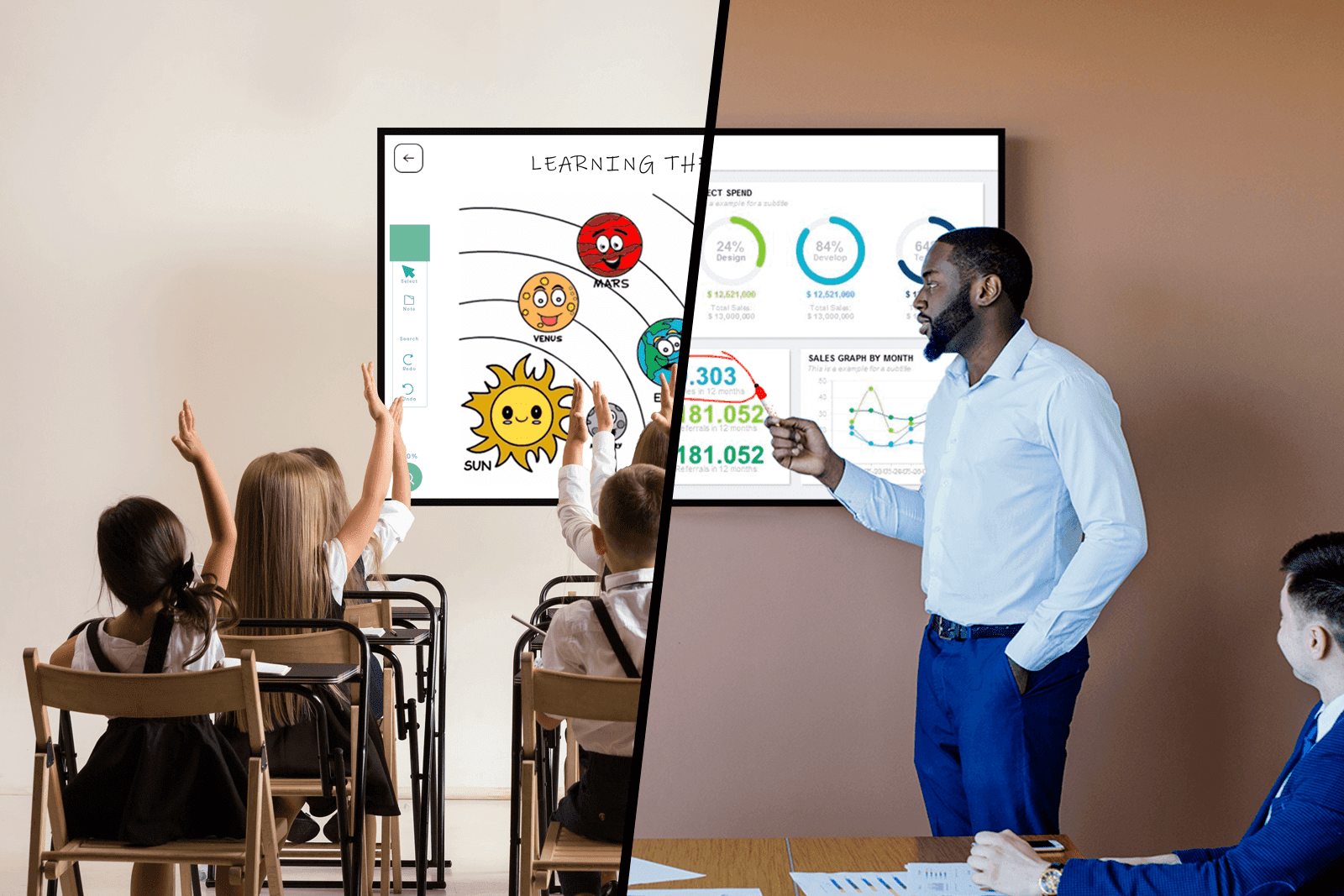
Classrooms & Meetings
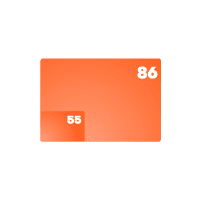
55'' - 65'' - 75'' - 85'' - 86'' - 98 ''
Dual Marker ID

Battery-Free Market

Erase with Palm
Windows Ink Compatible

Digital Eraser
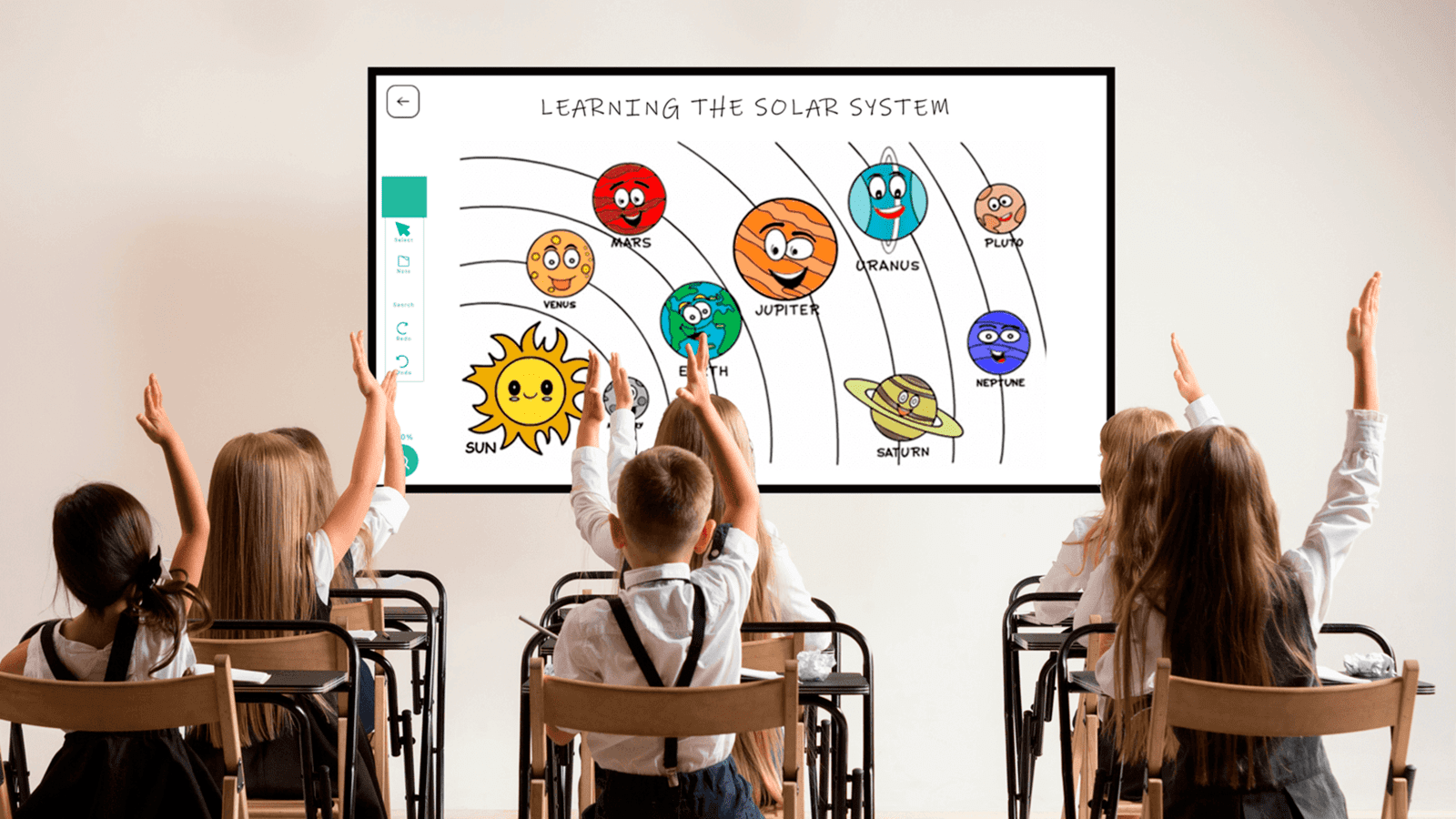
The Future of Education
OEM/ODM Manufactures require the best components to build Interactive Whiteboards. DISPLAX SENSE has the best features to build the perfect tool for students and teachers to unleash their creativity in classrooms as an enabler for collaboration. Because learning has never been so effective and easy!
All starts at the core
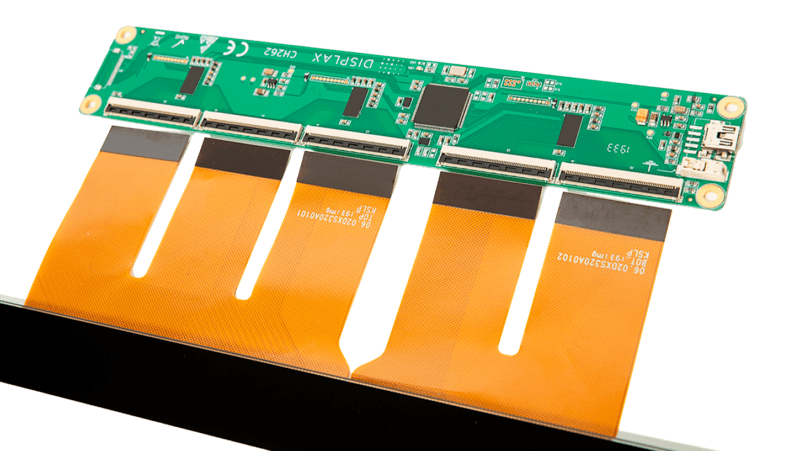
PCAP is the dominant touch technology because it provides superb performance and great durability. It also allows having edge-to-edge glass and bezel-free designs. DISPLAX touch controllers are at the core of all touch projects. With a decade of developments, it assures full reliability, extreme performance, scalability, and smooth touch experiences. It adapts easily to specific requirements and is able to cover a full range of touch sensor sizes at full power.
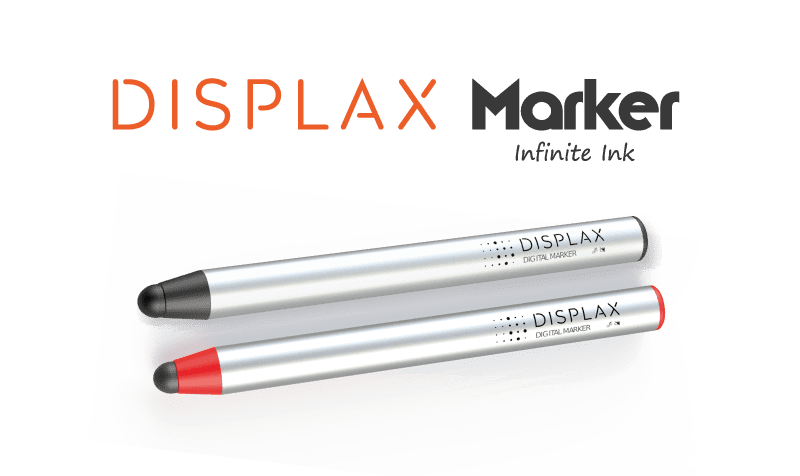
REPLACE THE FELT MARKER WITH A SUPERIOR DIGITAL MARKER
Available in Black and Red, we invented the Digital version of the Felt Marker. These cost-effective Digital Markers do not require any form of battery and are extremely lightweight. Works quite like an Active Pen making possible to capture ideas quickly and naturally on Microsoft Windows 10 and its Microsoft Ink compatible Apps. .
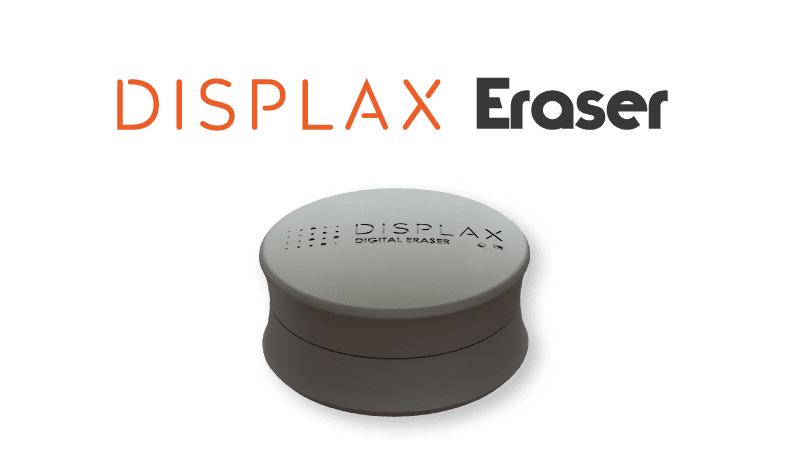
BESIDE WRITING …. EVERYONE EXPECTS TO ERASE
Writing, drawing and erasing is natural. You can erase with the palm of your hand or use a Digital Eraser, that mimics everyones experience when on a traditional whiteboard, but now becomes Digital. DIGITAL ERASER takes advantage of Microsoft Windows ink functionalities that improves collaboration so you display all ideas.
Touch + Marker + Eraser
Touch is great for objects manipulation. Because you need it to arrange your ideas. Marker input is great for collaboration and taking notes. Also lets you unleash your creativity. Digital Eraser allows you to rewrite anytime you want. And you can do it in the most natural way. And that’s why we made tech so easy so that people can deliver their best.
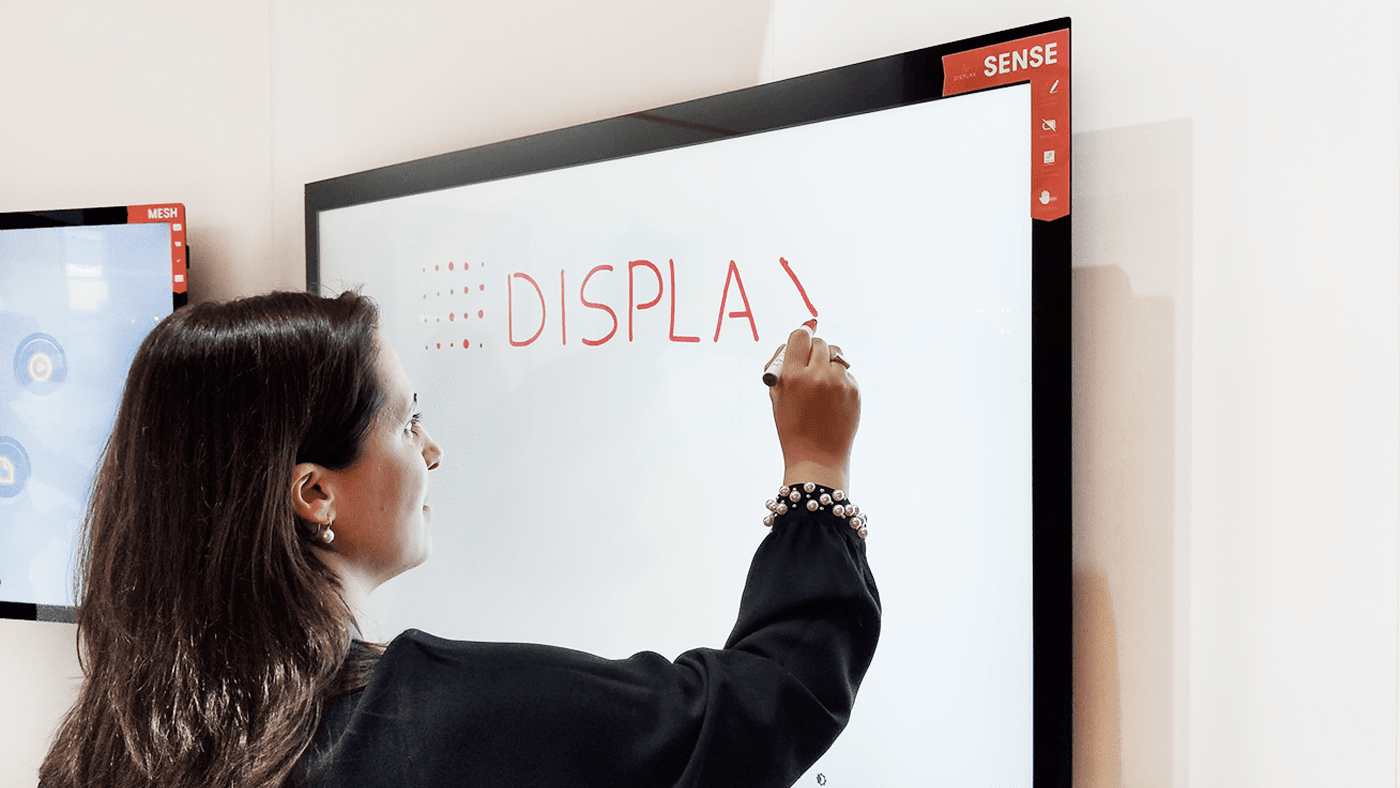
Up to 4 Markers at the same time
SENSE delivers a natural writing and drawing experience allowing multiple users to collaborate at the same time. It is a effortless experience with support up to 4 people writing on screen or 40 fingers touching in simultaneous.
Windows + Android
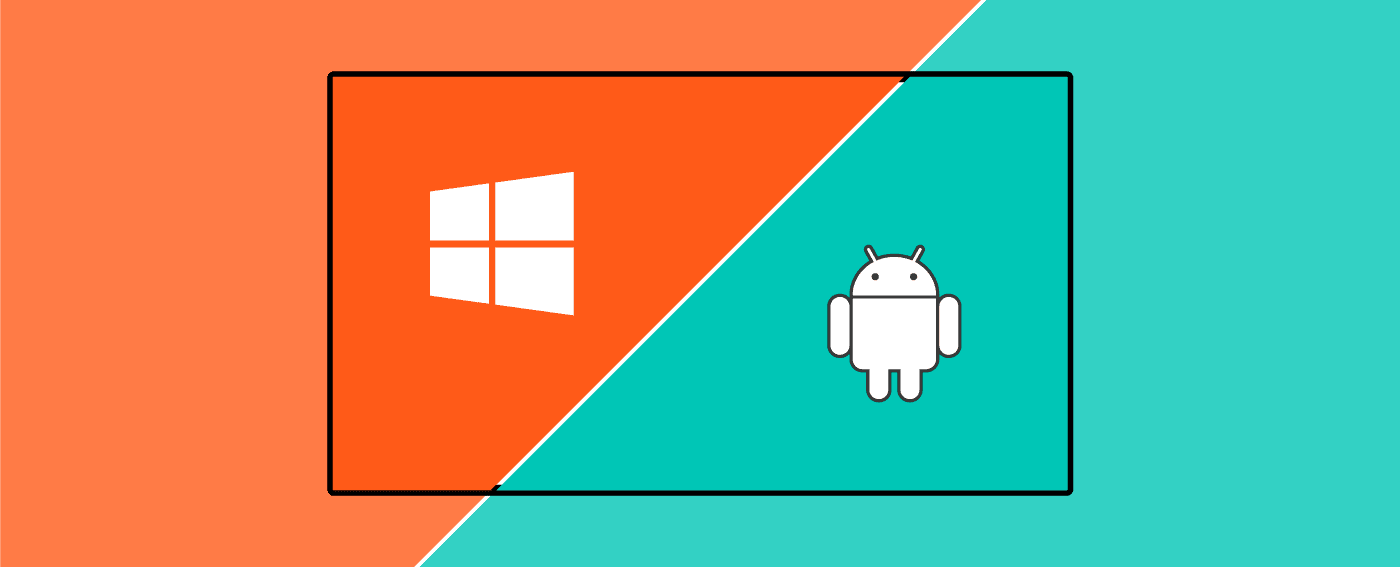
Dual OS by default. Feeding two operating systems simultaneously is a unique feature and a very useful tool for classrooms or flexible working ambients. Windows and Android can both get touch inputs and we covered that to fulfill modern meeting requirements and simplified interactive whiteboards.
True hid multitouch
Native single and multitouch support from OS

Windows

Android

ChromeOS

macOS
Metal Mesh Based Touch Sensor
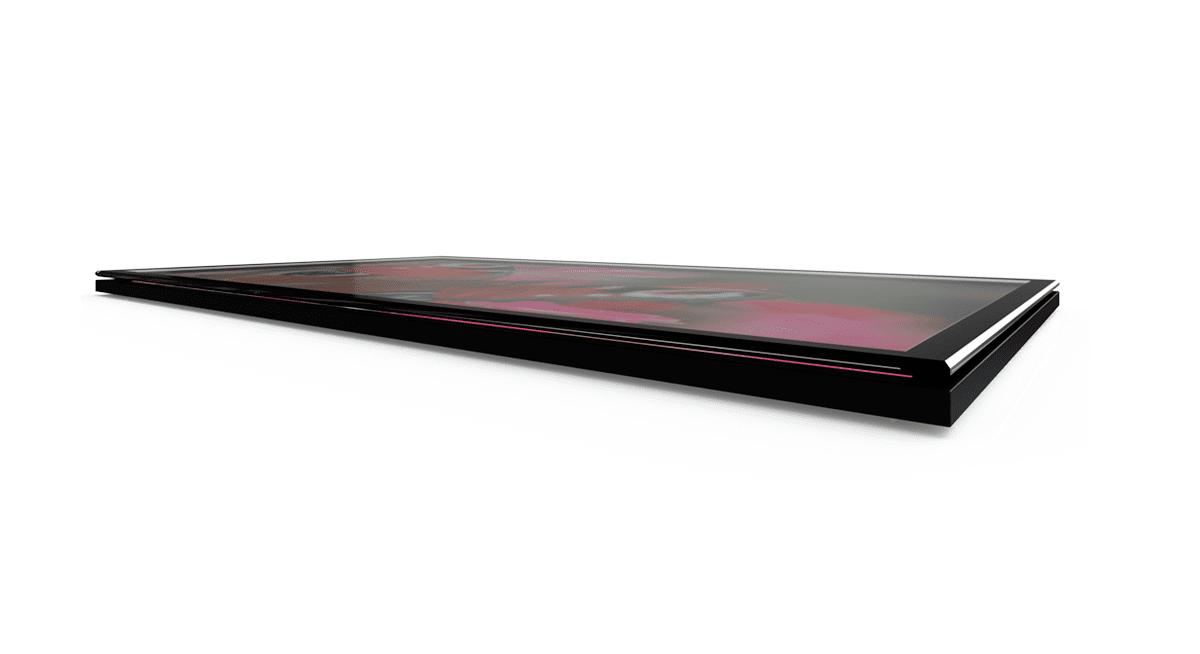
Benefiting from the latest improvements in conductive nanomaterials, the Sense touch sensor uses state-of-the-art Metal Mesh technology for improved optical transparency and touch accuracy.
Glass of Choice
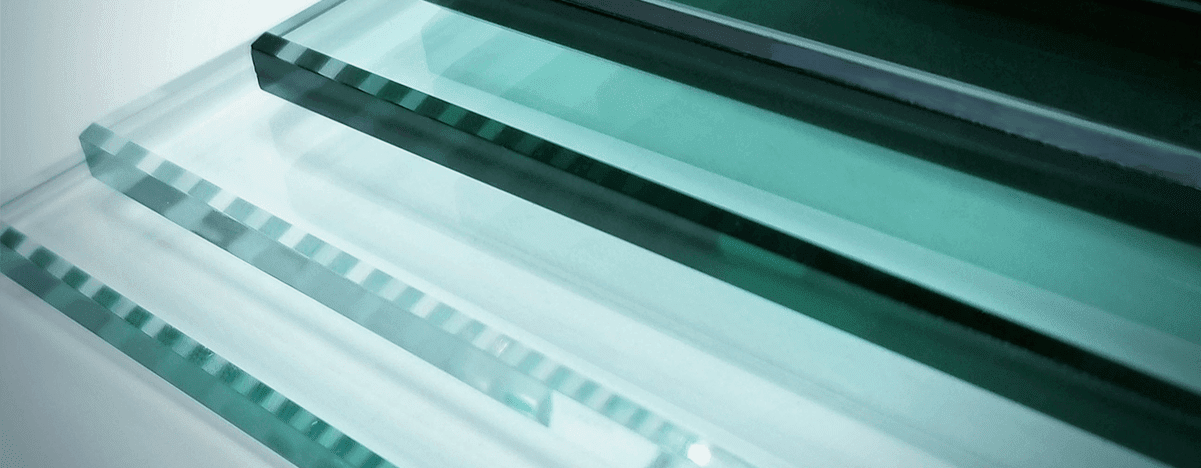
SENSE is designed to be compatible with your glass of choice and design. It is so flexible that it can be manufactured with an anti-glare glass or a extra clear glass, or any other type. It’s compatible with any glass up to 5 mm thickness.
Optical bonding compatible
Redefining touch video walls
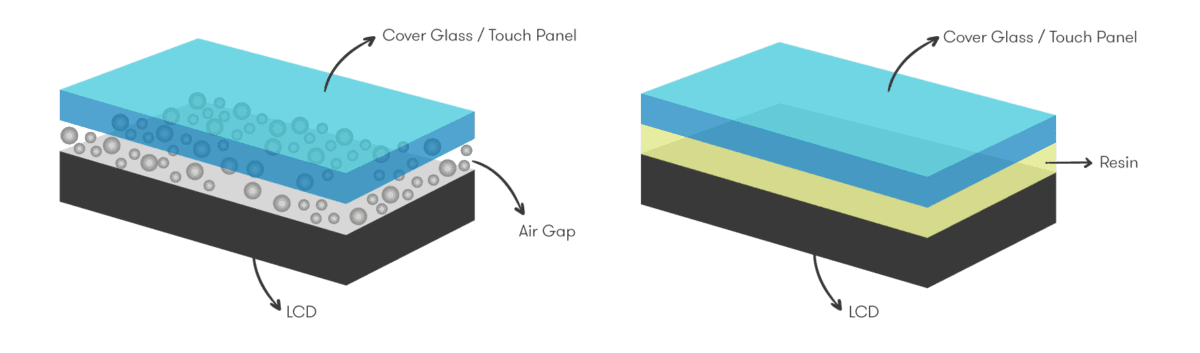
Robust and Powerful
A component that will make a difference

Go to market tools
DISPLAX Touch Controllers are fully supported with a Touch Configuration software with a start-to-finish array of tools to simplify the design of touchscreens and bring them to market faster. The tool suite assists hardware designers in creating optimal products aligned with target design and performance specifications.
It includes several tools built using DISPLAX Projected Capacitive sensing technology:
This way you can set firmware parameters to optimize the touch performance of a particular touchscreen design. The result is excellent responsiveness, sensitivity and finger-tracking.
Get technical specifications
FAQs
Industry Solutions
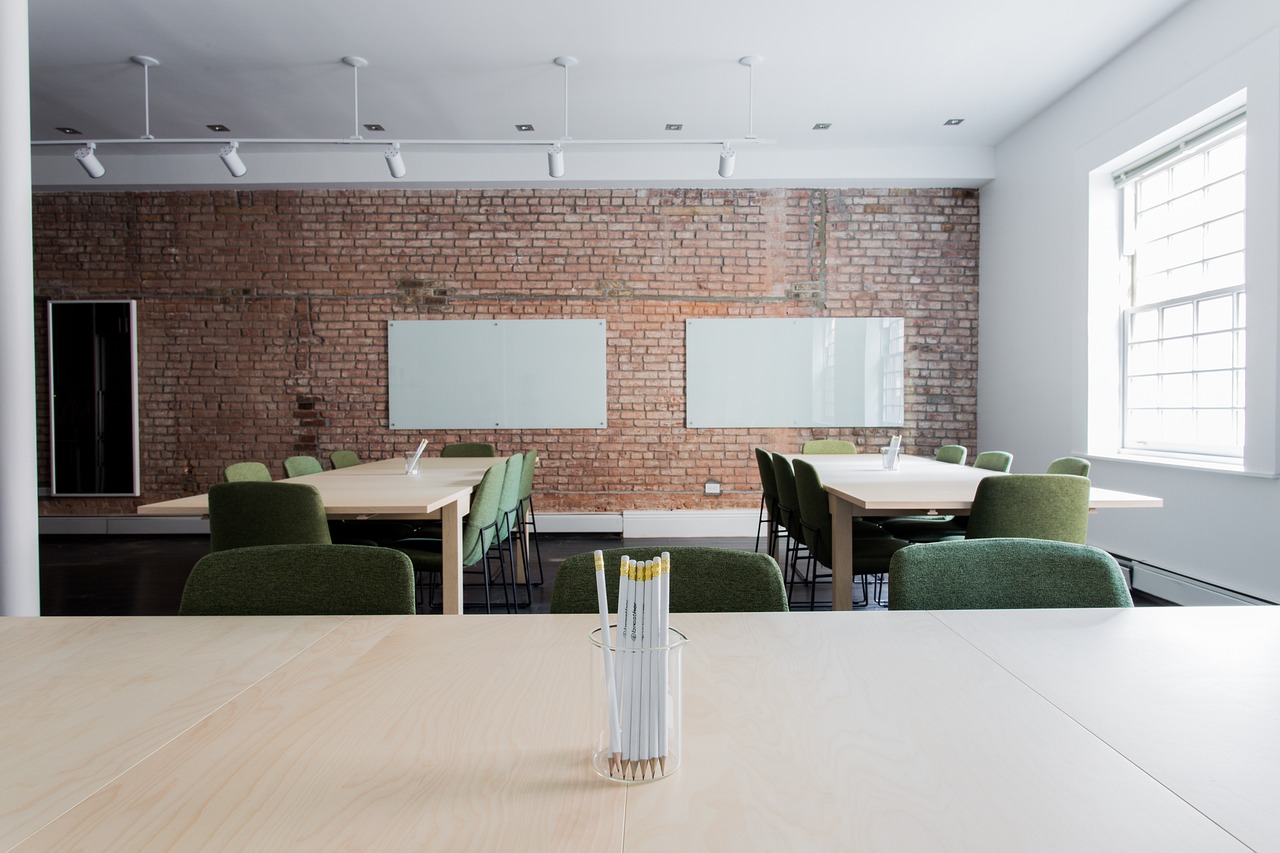
Classrooms
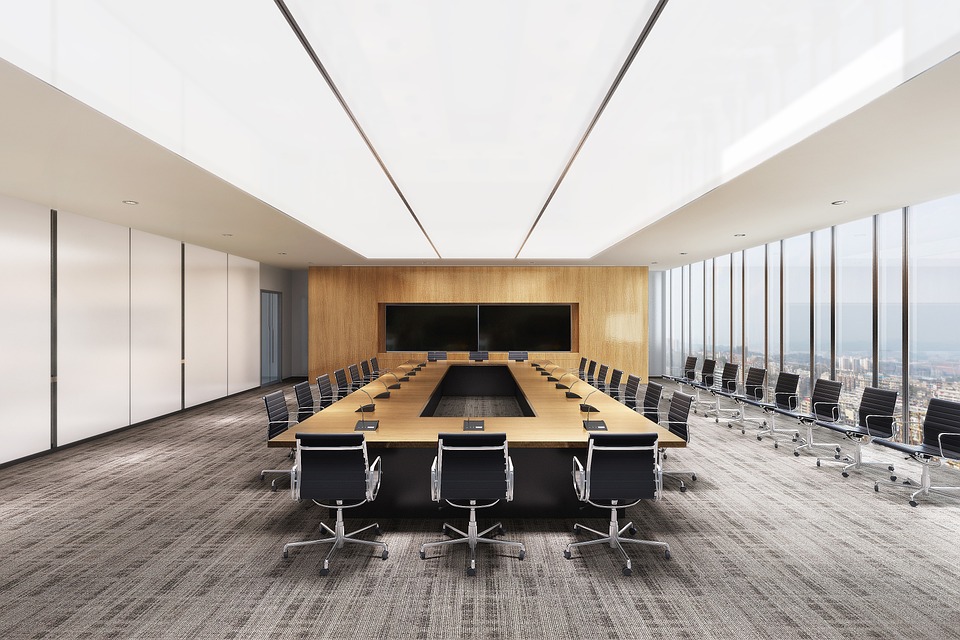
Corporate office & meeting room

Collaborative
We are proud of our certifications

QUALITY MANAGEMENT SYSTEM ISO 9001:2015

CE / FCC / ROHS

Get in Touch
Call us now or share your details. We will contact you soon







