
INSIGHTS
Touch Screen Overlay for LCD: How to Choose the Right One
DISPLAX Team | November 19, 2026 | 5min
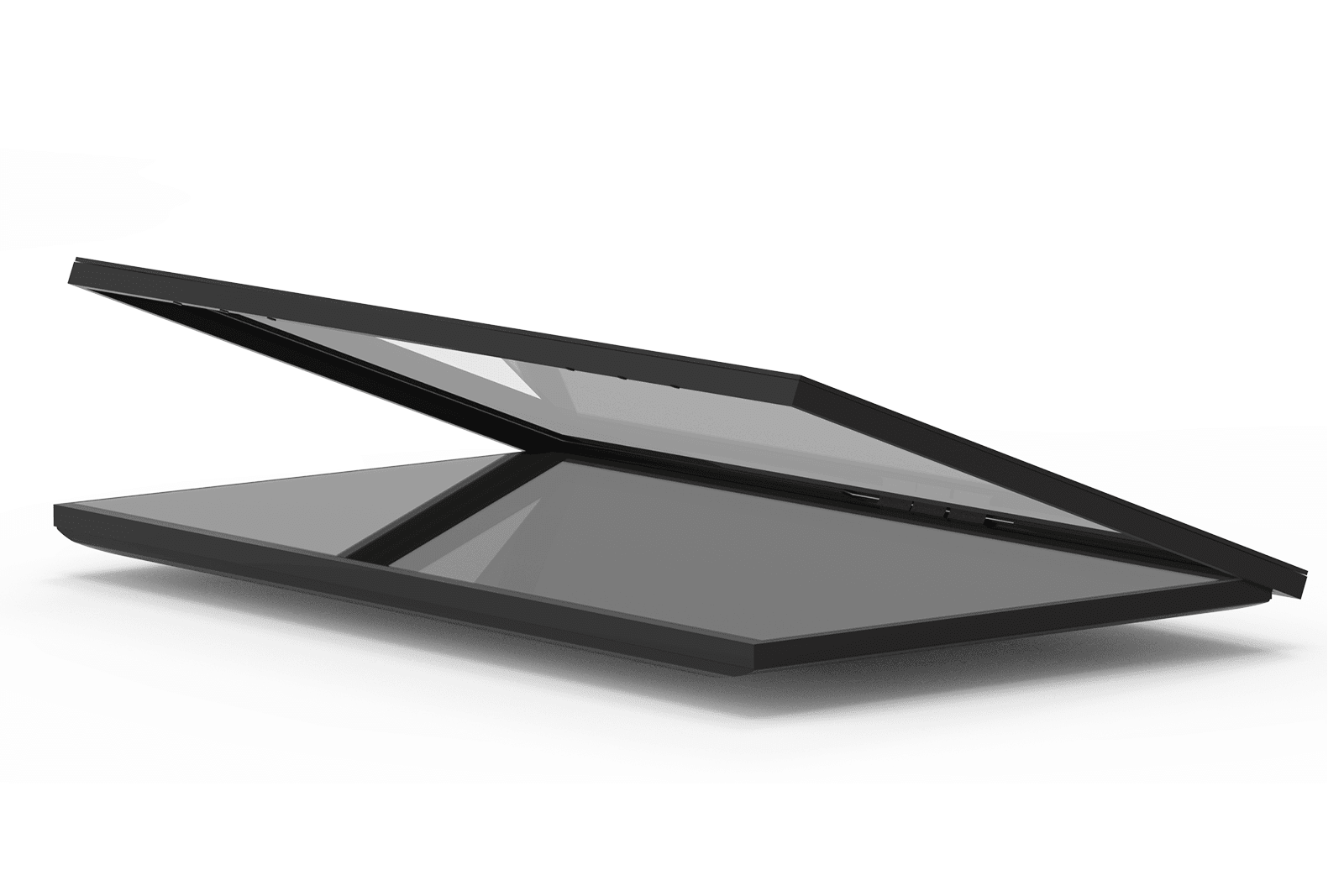
Thousands of LCD and signage displays are already installed in shops, offices, schools and public spaces. Many of them would be more useful if people could touch them. A touch screen overlay is the fastest way to get there: it adds touch to the display you already have, without replacing it. This guide explains how touch overlays work and what to check before you buy one.
Thousands of LCD and signage displays are already installed in shops, offices, schools and public spaces. Many of them would be more useful if people could touch them. A touch screen overlay is the fastest way to get there: it adds touch to the display you already have, without replacing it. This guide explains how touch overlays work and what to check before you buy one.
What is a touch screen overlay?
What is a touch screen overlay?
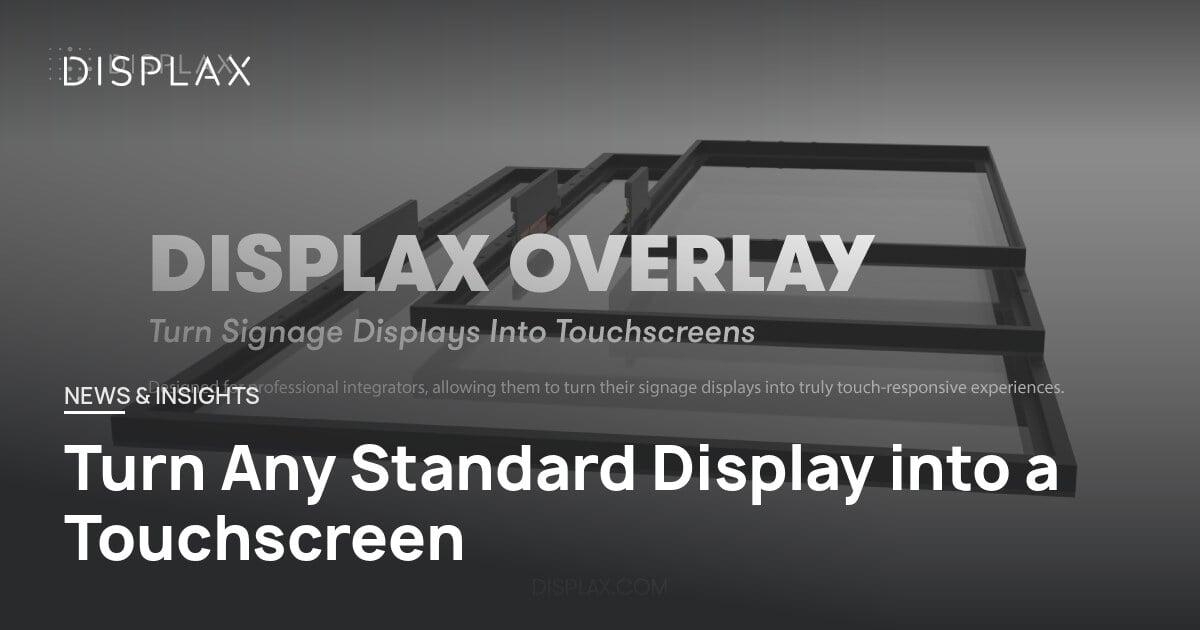
A touch screen overlay is a frame with a touch sensor and a cover glass that fits over the front of an existing display. You mount it, connect it to the media player or PC with a USB cable, and the display becomes a touchscreen. The display itself is not opened or modified.
There are two main overlay technologies:- Infrared (IR) overlays detect a touch when a finger breaks a grid of light beams across the screen. The sensors sit in a raised frame around the edge.
- PCAP (projected capacitive) overlays detect touch through the glass, like a smartphone. The sensor sits behind the glass, so the surface is flat and responds to a light touch.
DISPLAX OVERLAY is a PCAP overlay built on DISPLAX Metal Mesh technology.
- Infrared (IR) overlays detect a touch when a finger breaks a grid of light beams across the screen. The sensors sit in a raised frame around the edge.
- PCAP (projected capacitive) overlays detect touch through the glass, like a smartphone. The sensor sits behind the glass, so the surface is flat and responds to a light touch.
6 things to check before you choose a touch overlay
6 things to check before you choose a touch overlay
1. Size and display modelAn overlay must match the exact size and model of your display, so it fits the frame and lines up with the screen. DISPLAX OVERLAY is available from 32" to 86" (32", 43", 49", 50", 55", 65", 75" and 86") and is compatible with displays from LG, NEC, Panasonic, Samsung, Sony and Philips. Always confirm your display model before ordering.
2. Cover glassThe glass protects the display and is what people touch every day. In public spaces, choose tough glass. DISPLAX OVERLAY uses edge-to-edge, vandal-resistant anti-glare glass, up to 5 mm thick depending on the size.
3. Touch performanceCheck how many touches the overlay supports and how fast it responds. DISPLAX OVERLAY supports 10 simultaneous touches with an 8 ms response time and palm rejection, so it works for multi-user content and ignores a hand resting on the glass.
4. Operating system and media playerThe overlay has to work with the device that runs your content. DISPLAX OVERLAY is a standard USB HID device: it works without drivers on Windows, Android, ChromeOS, Ubuntu and Raspberry Pi, and with webOS and Tizen. Signage players such as BrightSign, Samsung Smart Signage Platform and Spinetix are supported through mouse emulation. On macOS it works as single touch.
5. EnvironmentMost overlays are made for indoor use. DISPLAX OVERLAY operates from 0°C to 60°C. For outdoor kiosks or thick protective glass, a touch foil behind the glass is usually a better choice (see touch foil vs. touch overlay).
6. Installation, software and warrantyLook for plug & play installation and tools to manage many screens. DISPLAX OVERLAY connects by USB with no drivers, includes Auto-Tuning software that keeps touch stable, and works with DISPLAX Connect for configuration and diagnostics. It comes with a 3-year warranty.
Touch overlay or a new touch display?
Touch overlay or a new touch display?
An overlay is the right choice when you already have good displays and want to add touch quickly, keep your existing mounts and media players, or upgrade many screens at once. A new all-in-one touch display, such as DISPLAX TILE for touch video walls, makes more sense when you are buying new hardware anyway. Read more in From Display to Touch: Why Overlays Are the Smartest Way to Upgrade Screens.
An overlay is the right choice when you already have good displays and want to add touch quickly, keep your existing mounts and media players, or upgrade many screens at once. A new all-in-one touch display, such as DISPLAX TILE for touch video walls, makes more sense when you are buying new hardware anyway. Read more in From Display to Touch: Why Overlays Are the Smartest Way to Upgrade Screens.
Where touch overlays are used
Where touch overlays are used
- Self-service kiosks and information points
- Meeting rooms and classrooms
- Museums, cinemas and retail
- Patient information points in healthcare
- Wayfinding and ticketing
- Self-service kiosks and information points
- Meeting rooms and classrooms
- Museums, cinemas and retail
- Patient information points in healthcare
- Wayfinding and ticketing
Want to turn your displays into touchscreens?
Want to turn your displays into touchscreens?
Get in touch with the DISPLAX team with your display brand, model and size.
Get in touch with the DISPLAX team with your display brand, model and size.
FAQs
FAQs
NEWS & INSIGHTS
Keep reading
INSIGHTS
INSIGHTS
From Display to Touch: Why Overlays Are the Smartest Way to Upgrade Screens
DISPLAX Team
July 31, 2025 | 6 min

INSIGHTS
Touch Foil, Touch Overlay or Touch Display: Which PCAP Solution Do You Need?
Touch Foil, Touch Overlay or Touch Display: Which PCAP Solution Do You Need?
DISPLAX Team
July 22, 2025 | 5 min

INSIGHTS
INSIGHTS
Metal Mesh Touch Panels: How They Work and When to Use Them
Metal Mesh Touch Panels: How They Work and When to Use Them
DISPLAX Team
June 24, 2025 | 5 min
NEWS & INSIGHTS
Keep reading
INSIGHTS
INSIGHTS
From Display to Touch: Why Overlays Are the Smartest Way to Upgrade Screens
From Display to Touch: Why Overlays Are the Smartest Way to Upgrade Screens
DISPLAX Team
July 31, 2025 | 6 min
INSIGHTS
Touch Foil, Touch Overlay or Touch Display: Which PCAP Solution Do You Need?
Touch Foil, Touch Overlay or Touch Display: Which PCAP Solution Do You Need?
DISPLAX Team
July 22, 2025 | 5 min
NEWS
Metal Mesh Touch Panels: How They Work and When to Use Them
Metal Mesh Touch Panels: How They Work and When to Use Them
DISPLAX Team
June 24, 2025 | 5 min

Get in Touch
Questions about pricing? Got an active project you’d like to discuss? Let’s connect.
Get in Touch
Questions about pricing? Got an active project you’d like to discuss? Let’s connect.