
DISPLAX
0
  • Progressive business thinking

    Frames UI Kit is a huge pack of high fidelity assets to create prototypes and wireframes with ease. Consisting from nd wireframe more than nd wireframe 1k elements.

Meet Our Touch Experience Center

All of DISPLAX products are available on display at our Touch Experience Center. Our Business Managers are available to provide technical advice about each of our products and offer tailored advice to ensure you get the right product for your needs.

Our Products & Technology

Have a full demonstration of DISPLAX products and technology. Whatever your experience or depth of knowledge, our staff will work with you every step of the way.
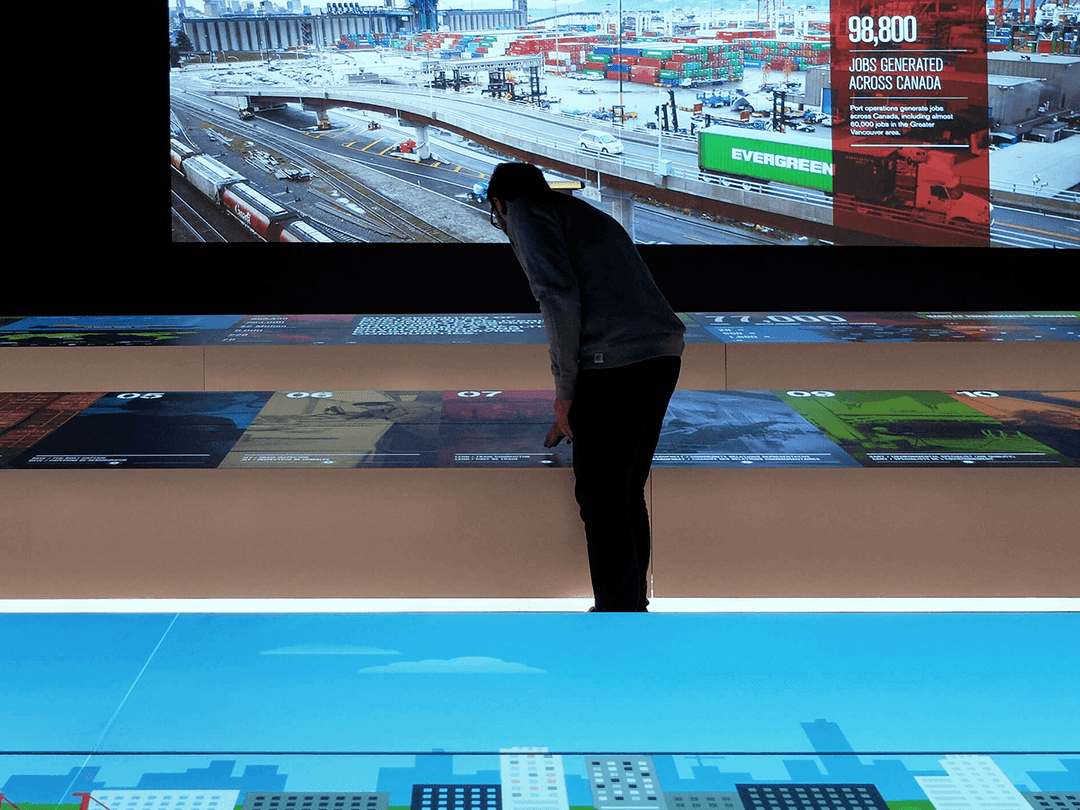
ULTRA
Museums | Tables | Object Recognition

FIT
Indoor & Outdoor kiosks | Mirrors | Retail

MESH
Self-Service Kiosks | All-in-One Solutions
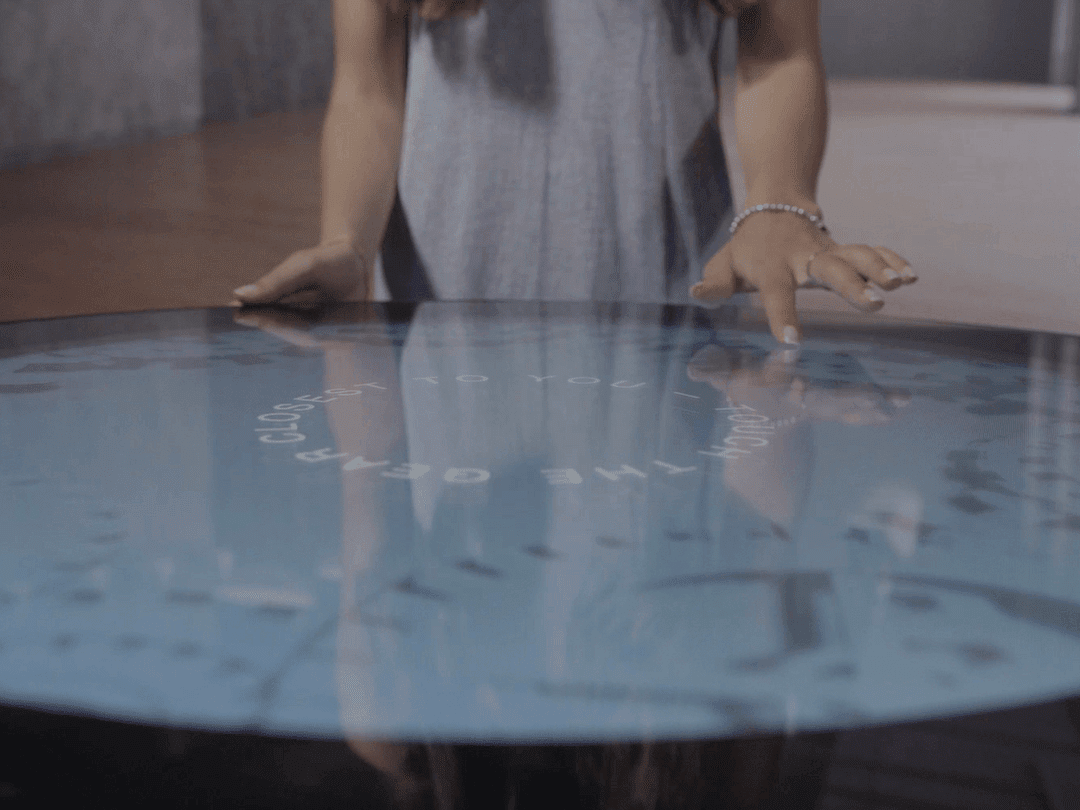
ROUND
Retail | Museums | Showrooms
ZEETO
Harsh Environments
SENSE
Classrooms | Meeting Rooms

TILE
Videowalls | Showrooms | Board Rooms
OBJECT RECOGNITION
Museums | Tablets | Object Recognition

FAQs 

Compatible Devices

All Displax products are HID (Human Interface Device) and don't require any drivers to work. As long as your device is HID compliant, it is compatible. Besides the Displax Skin MESH and Displax TILE, Skin products are not calibrated or fine-tuned from the factory. This is due to every different installation requiring a specific set of adjustments depending on the circumstances. For this we have the settings adjustment and tuning software: Displax Connect. Displax Connect does not function as a driver, and can in fact be uninstalled after concluding the fine-tuning of the unit. This software is compatible with the following operating systems: 

Windows 7/8/10/11 (32-bit and 64-bit) 
MacOS 10.14/10.15/11
Ubuntu 18.04/20.04 (32-bit and 64-bit)
Android 5.1 or higher (for Displax Connect version 2.3)

To use devices with operating systems that are not compatible with Displax Connect, you can perform the fine-tuning on a compatible machine/OS. All settings, including the calibration data, will be saved on the touch controller board, so you can then connect the touch controller to the device/OS of your choice and the settings will remain. The touch device will work regardless of the machine it is connected to.

Laminate Skin Ultra

In order to perform a good quality lamination, it's important to use high quality materials and tools. Below you can find a list of all tools and materials needed for the laminations process.

Tools and Materials

  • Good quality squeegee
  • Mix of water and Johnson's Baby Shampoo pH Neutral (5% Johnson's Baby Shampoo + 95% Water)
  • Spray Bottle
  • Alcohol

The video below shows the complete process of a Skin Ultra lamination onto a glass. You can also find complementary documentation here.

AIR GAP

To securely fix the glass with the laminated DISPLAX Touch sensor to a monitor, a suitable double-sided bonding tape should be applied around the bezel of the monitor, for example 3M VHB tape, or similar. 

This assembly procedure introduces an air gap between the monitor and the Touch sensor. The air gap reduces the effects of electromagnetic interference from the monitor, and the type of interference or "noise" varies between different monitors, depending on their characteristics. 

The air gap can be between 1 and 10 mm thick, it must be of consistent width across the entire monitor, and should be kept as narrow as possible when interference is no longer visible in the touch signal. We recommend using an air gap of at least 2 mm. 

In all cases, test before the final integration. Test different size air gaps by introducing a temporary object, like non-conductive, non-adhesive foam or cork spacers onto the monitor bezel, to incrementally adjust the distance between the monitor display and the Touch sensor laminated to the glass, until the point where all signs of noise have been eliminated.

Industry Solutions

Classrooms
Corporate office & meeting room
Collaborative

Get in Touch

Call us now or share your details. We will contact you soon

Added to cart
- There was an error adding to cart. Please try again.
Quantity updated
- An error occurred. Please try again later.
Deleted from cart
- Can't delete this product from the cart at the moment. Please try again later.